
Customer-specific machine variants
Renamed or reorganized PLC objects
Multi-vendor PLC project support
CURRENT WORKFLOW
Seeing the differences is easy. Understanding them is the hard part.
Native comparison tools can surface every changed block, tag, parameter, or hardware object. On a large project, that quickly becomes overwhelming. The engineer still has to reconstruct the context, understand what each difference means, and decide what should carry forward into the working project.
Start with the native comparison.
Native tools show what was added, removed, or modified. On a large project, that can mean hundreds of differences with little indication of which ones actually matter.
Trace the differences through the logic.
To understand a change, engineers follow it through blocks, tags, calls, interlocks, hardware, and communications to see what it affects on the machine.
Search for the missing history.
Then comes the question of why the change exists. Engineers dig through old project files, comments, change notes, and colleagues’ memory to reconstruct the intent behind it.
Covered vendors

HOW IT WORKS WITH LINEXA
Turn two PLC projects into one approved version, then update the coding standard.

See what each difference changes on the machine.
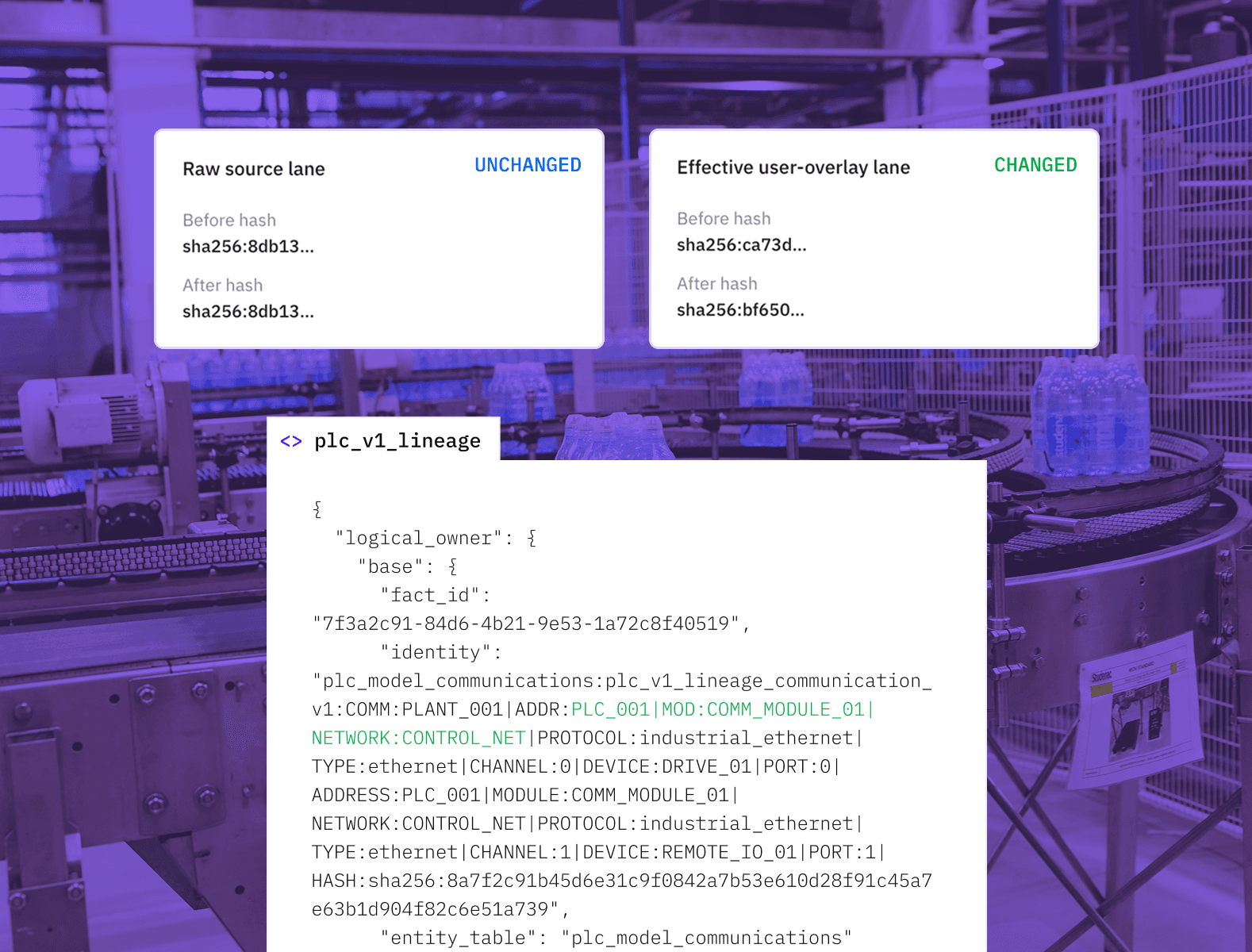
Linexa connects changed code, hardware, signals, and configuration to the machine functions they affect. Engineers can see which differences matter before deciding what to keep.
Build one approved PLC project from both versions.
Keep the valid changes from either project, remove unwanted ones, and resolve conflicts. Linexa applies those decisions and produces one project the team can work from.

Bring the project back to standard, then improve the standard.
Linexa checks the resulting project against your coding rules and makes deviations visible. Approved improvements can then be added to the reference project, libraries, or coding standard so they are applied to future machines.
In Practice
The machine is running one PLC project. Central engineering has another.
Commissioning fixes, service work, and local improvements have changed the project on the machine while the central standard evolved separately. Both versions contain changes worth keeping. Linexa explains the material differences, helps engineering decide what stays, and brings them back into one trusted PLC project.
less engineering preparation time
of material differences resolved
trusted PLC project to work from
Bring the PLC project you plan to change and the standard, template, or approved version you want to compare it with. Linexa explains the material differences, shows what they change on the machine, and turns your decisions into one working project.

Frequently asked questions
What does Linexa add to a native PLC project comparison in TIA Portal or Studio 5000?
Can Linexa align blocks or objects that were renamed or reorganized?
Can Linexa compare a delivered customer project with our machine standard or template?
How does version history help with the comparison?
Which PLC vendors, project types, and versions are supported, and what should we bring?
Does Linexa return an updated PLC project or only recommend what to change?
Can improvements found in a customer project be added to our machine or PLC coding standard?
Can Linexa compare TIA Portal, Studio 5000, CODESYS, and TwinCAT projects?
Related Use Cases
Keep the right project current, troubleshoot from it, and make the next change.

PLC Backup
Standardize PLC backup and recovery across every site.
PLC Code Changes
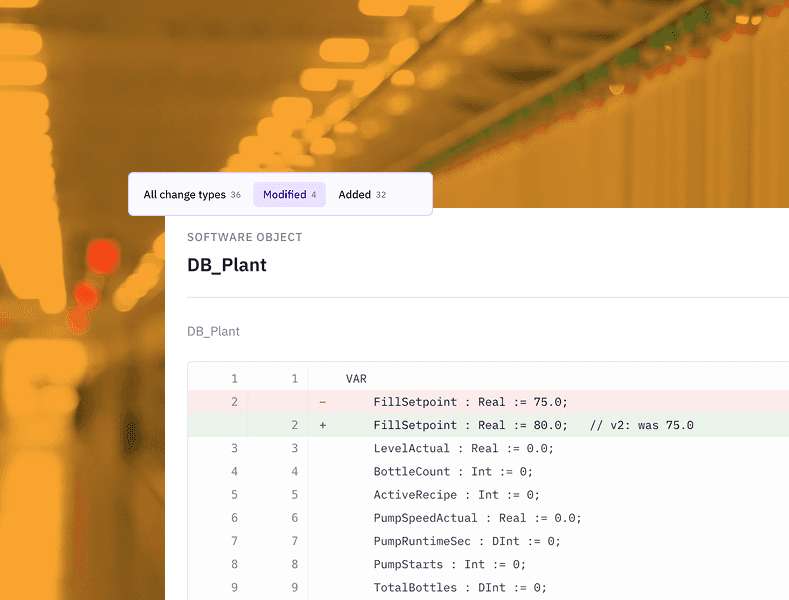
AI for PLC programming that turns one change request into coordinated, validated PLC and HMI changes.

Machine Troubleshooting
PLC troubleshooting software that traces alarms, failed starts, and abnormal sequences.
Start with two PLC projects.
Share the two project versions you need to understand. Linexa compares them, explains the material differences, and turns your decisions into one PLC project ready for the next change.