
Unexplained alarms and warnings
Failed starts, movements, or functions
Interrupted or incomplete sequences
CURRENT WORKFLOW
Every unexplained fault starts with a hunt for context.
The alarm shows where the problem surfaced, not what caused it. From there, engineers search the machine, the PLC project, and often someone else’s memory for the missing context.
Check the machine.
Alarms, sensors, and physical checks show where the process stopped. They rarely explain which condition in the PLC logic prevented the next step.
Trace the project.
The answer may be in the code, but finding it means manually connecting alarms, tags, I/O, logic, and communications across the project.
Ask an expert.
The fastest route is often the person who already knows the machine. That person may not be available when production stops.
Covered vendors


Start with what went wrong.
Enter an alarm, failed start, stopped movement, or incomplete sequence. Linexa finds the related signals and logic across the PLC and HMI projects.
Follow the logic behind it.
Linexa follows the conditions that control the next machine action through PLC logic, interlocks, I/O, signals, and communications.


Find the root cause.
See which signal, interlock, or logic condition stopped the sequence, why it failed, and where it sits in the project.
In Practice
The tank is empty. The night shift can see the alarm, not why it is not refilling.
The refill sequence stops during the night shift. Operators see an empty tank on the HMI, but no explanation for why it is not refilling. Linexa follows the signals, I/O, and PLC logic until the failed condition becomes clear.
less downtime on a hard-to-diagnose fault
less external support cost per site and year
Bring one unresolved fault and the project files you have. We’ll trace the signals and logic behind it and show how Linexa gets from symptom to root cause.

Frequently asked questions
How does Linexa find the cause when the alarm does not explain it?
Can Linexa help with a machine my team does not know?
What if the project is in another language?
Does Linexa need a live connection to the PLC?
Can Linexa trace faults across multiple PLCs or machines?
How is Linexa different from condition monitoring or a CMMS?
Does Linexa replace TIA Portal, Studio 5000, CODESYS, or TwinCAT during troubleshooting?
Can Linexa troubleshoot projects from TIA Portal, Studio 5000, CODESYS, and TwinCAT?
Related Use Cases
Use the same machine context to back up, compare, and change PLC projects.

PLC Backup
Standardize PLC backup and recovery across every site.
PLC Code Changes
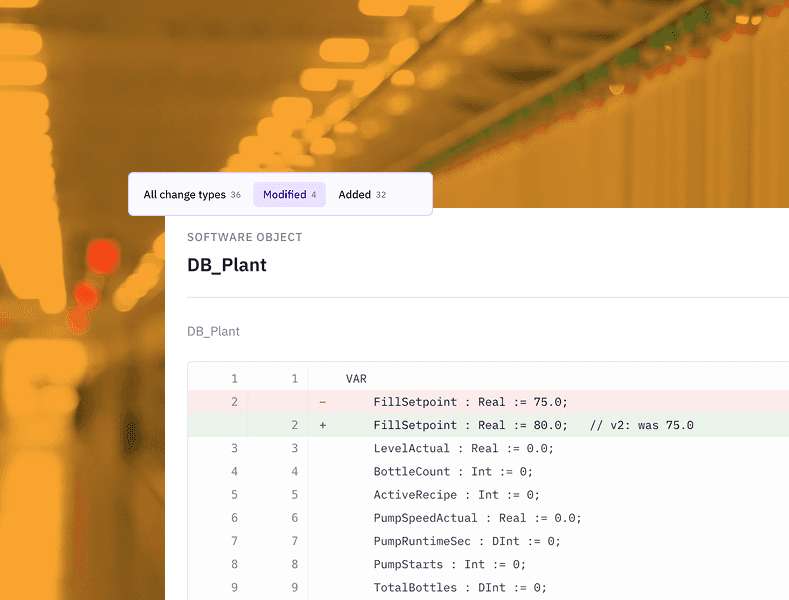
AI for PLC programming that turns one change request into coordinated, validated PLC and HMI changes.
PLC Version Control
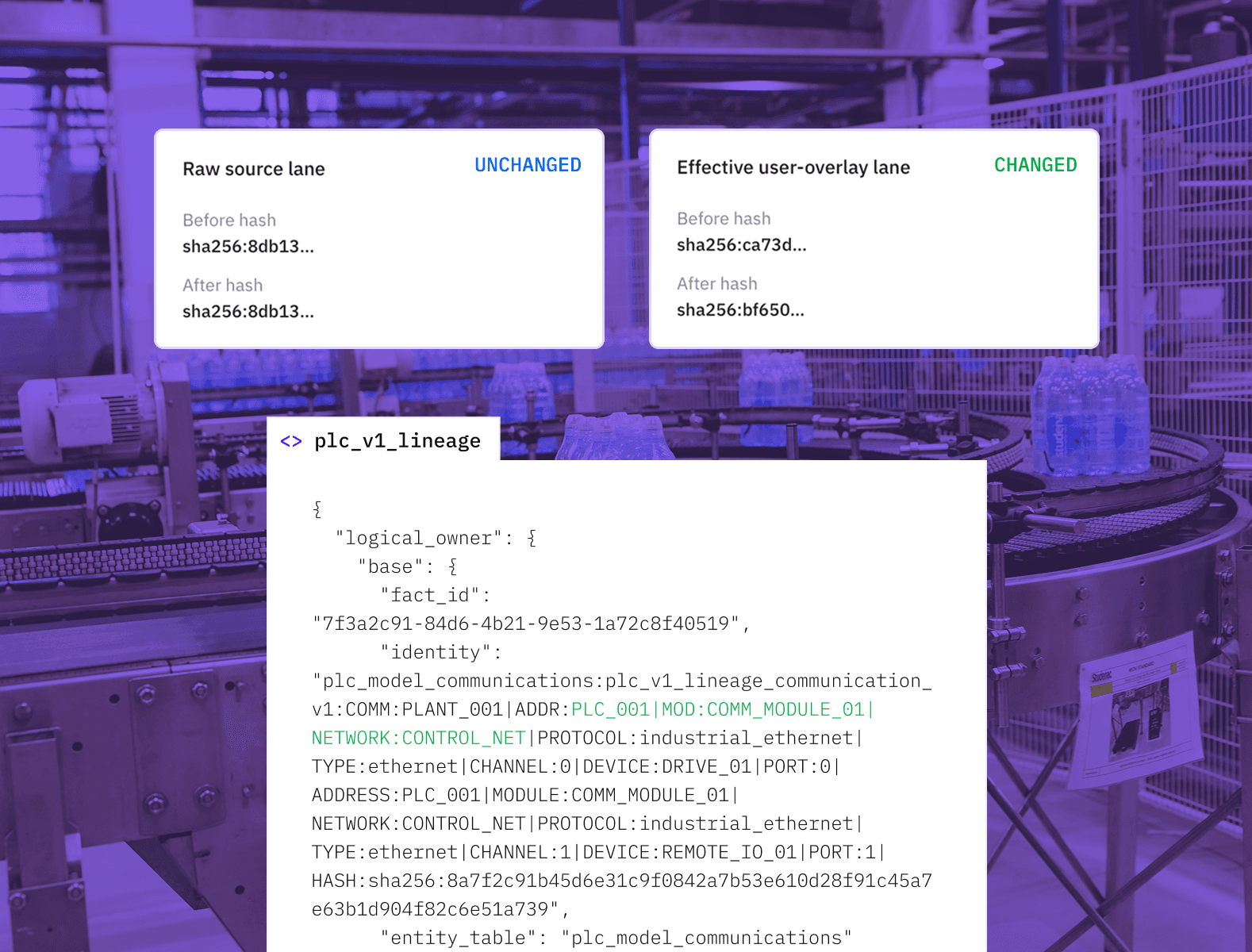
Compare PLC projects, understand their impact on the machine, and create one trusted working project.
Start with one machine.
Share the project files you already have and one fault to investigate. Linexa maps the relevant logic and gives your team a clear place to start.