
Multi-site and multi-vendor coverage
Connected and isolated devices
Cloud, hybrid, on-premises, or upload-only
CURRENT WORKFLOW
PLC backups are scattered across tools, folders, and sites.
Every site tends to solve backup differently. Files end up in local tools, shared folders, engineering laptops, and supplier systems. Central OT teams are left figuring out what is covered, what is missing, and whether the backups will work when needed.
Coverage breaks at site and system boundaries.
Local tools, repositories, and supplier-held files each show one piece of the picture. Central teams still have to work out what is protected, what is current, and what is missing.
Each new rollout adds another stack to operate.
Separate servers, vendor tools, licenses, and site-specific configurations turn every rollout into more infrastructure to operate and maintain.
A stored file does not prove recovery readiness.
A file can be incomplete, outdated, or tied to the wrong asset. Having a backup, knowing it matches what is running, and knowing it can be restored are three different things.
Covered vendors

HOW IT WORKS WITH LINEXA

Bring every device into one backup system.
Linexa backs up PLCs, HMIs, drives, switches, and other OT devices in one system. Existing project files, monitored folders, and direct device connections all feed the same view of assets, versions, and backup status.
Fit the deployment to each site, not the other way around.
The standard setup is a lightweight Linexa agent inside the plant network. It collects backups from approved devices and files while most processing happens centrally. Where direct access is not possible, Linexa can instead pull projects from existing file shares or work with manual uploads.

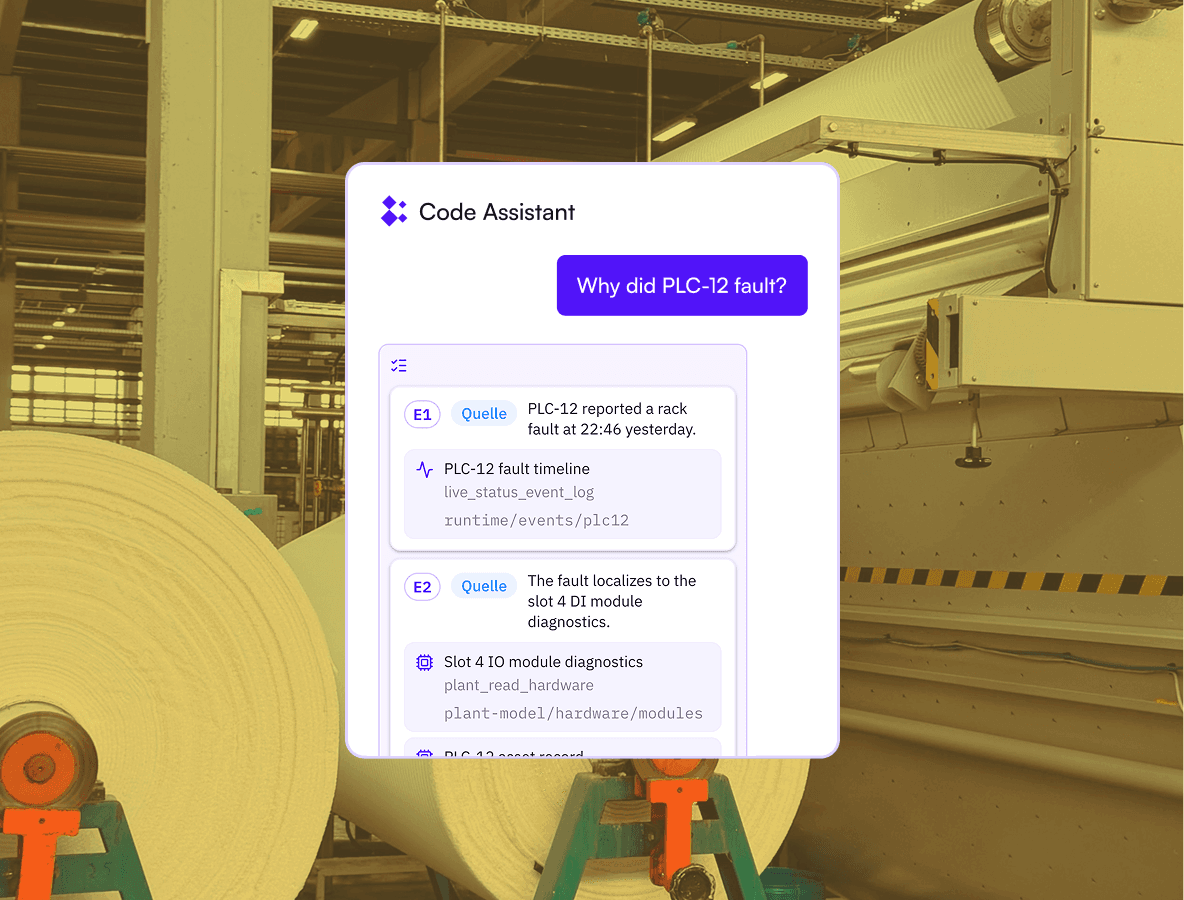
Use the files you back up to understand the machines they run.
Linexa reads each project and extracts its hardware, configuration, communications, signals, and logic. It connects that information to the right machine and keeps it current across project versions. The result is a machine model engineers can use to trace faults, understand dependencies, and prepare changes.
In Practice
Nine sites. One clear view of backup coverage.
Across nine sites, hundreds of PLCs, drives, switches, and other OT devices sit in different networks and backup processes. Linexa brings them into one coverage view, showing what is protected and where gaps remain.
See every gap before you need the backup.
Missing backups, outdated versions and uncertain device-to-backup matches are visible in one place.
Know what to restore when something fails.
Each covered asset is linked to the right backup and version, so teams know what to use for recovery or rollback.
Sites in one view
Automation assets in scope
See your backup gaps within days.
Share one site’s device list or the project files you already have. Linexa maps the first assets, flags missing or uncertain backups, and shows what it takes to close the gaps.

Frequently asked questions
Related Use Cases
Turn backup files into a machine model for troubleshooting and changes.
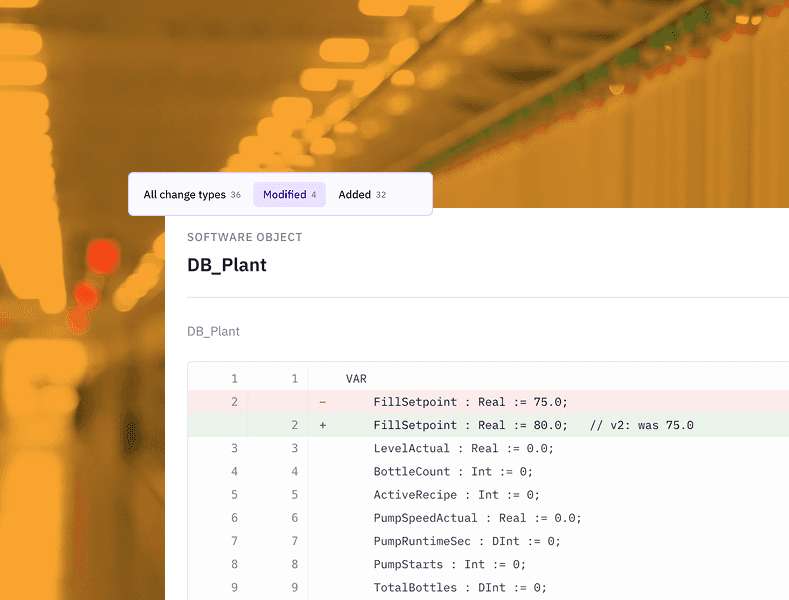
PLC Code Changes
AI for PLC programming that turns one change request into coordinated, validated PLC and HMI changes.

Machine Troubleshooting
PLC troubleshooting software that traces alarms, failed starts, and abnormal sequences.
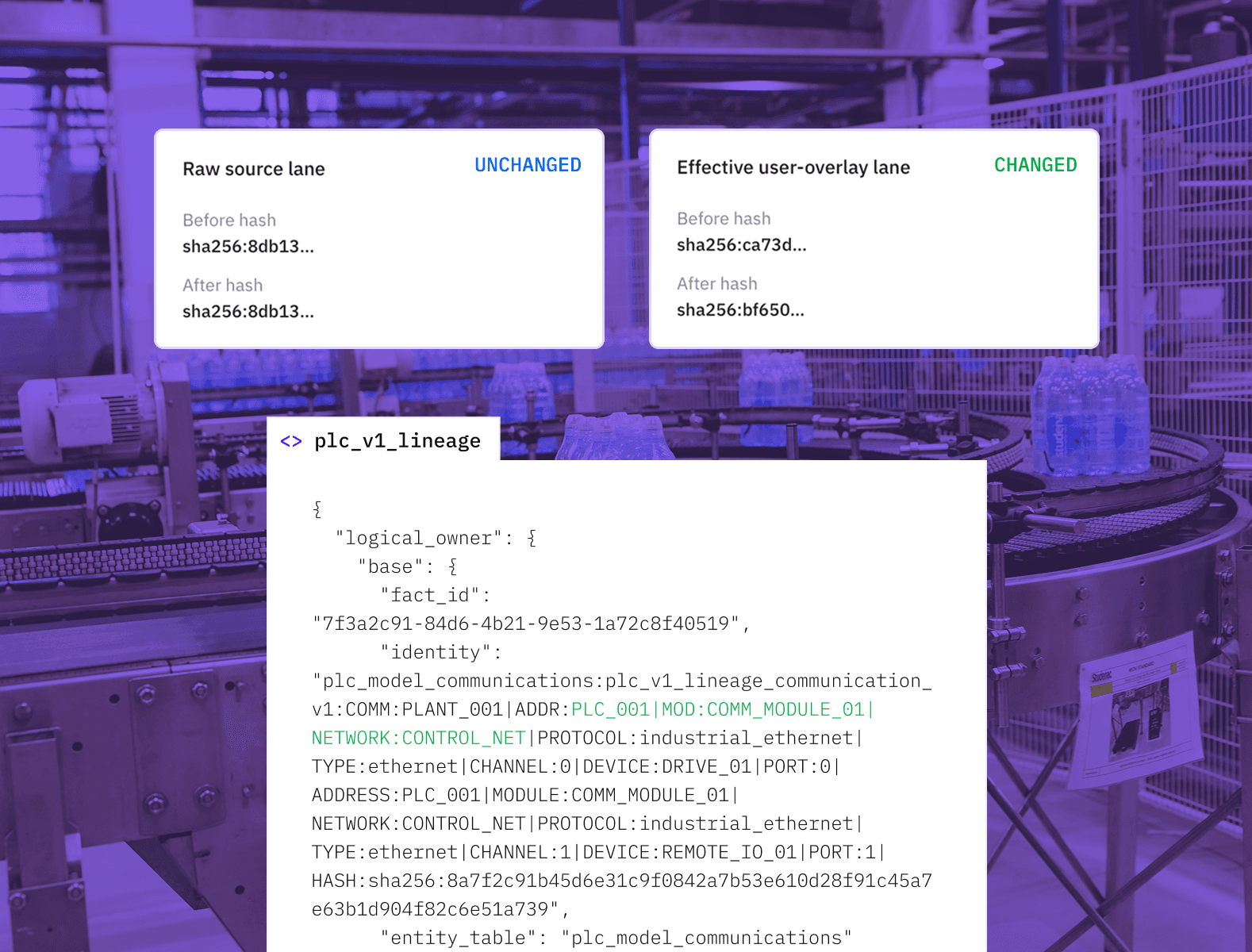
PLC Version Control
Compare PLC projects, understand their impact on the machine, and create one trusted working project.
Start with one site.
Share the device list or project files already available. Linexa builds the first coverage view and defines what needs to be connected next.